Download SlideShare Without Login — The 2026 Guide
SlideShare wants you to sign in before you can download. Here is how to skip that step entirely and grab the deck in seconds.
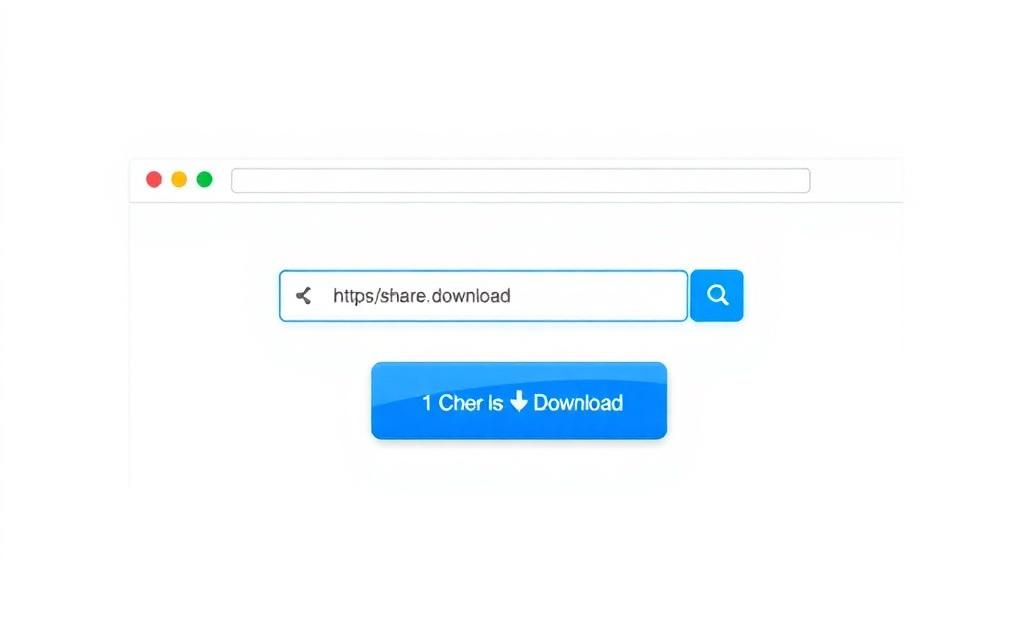
SlideShare's login wall is one of the most familiar friction points on the web. You click Download, you get a sign-in prompt, you close the tab. It is a deliberate growth tactic and it works — at scale, a percentage of visitors will sign up just to grab the file. For everyone else, there is a faster way.
Why SlideShare wants you to sign in
Email addresses are valuable. SlideShare's owner uses them for marketing, for analytics, and for cross-promoting other products. None of that is sinister, but it is also not something you should have to opt into just to read a public presentation.
The no-login flow
Our SlideShare Downloader works without any SlideShare account on either side. The tool fetches the public version of the deck using only the URL you paste. There is no link between the file you download and any SlideShare profile.
What about the AI PDF tool?
The AI PDF generator on the homepage also works without an account on our site. You bring your own OpenAI or Gemini key, and the key stays in your browser. We do not sign you up for anything.
Privacy notes
We do not log the URLs you paste, do not run ad trackers in the download flow, and do not set advertising cookies. The full details are in our privacy policy.
When sign-in might still be needed
If a SlideShare deck is marked private or unlisted, the author has explicitly chosen to require sign-in. That is a server-side restriction and no tool can or should bypass it. For everything publicly visible, our downloader works without login.
Mobile-specific tips
On iOS, long-press the SlideShare URL in your browser and choose Copy. On Android, tap the address bar and select Copy. Paste into our tool and download as normal.
Browser support
Chrome, Safari, Firefox, Edge, Brave and most Chromium-based browsers all work. You do not need an extension.
Wrap-up
If the only reason you have ever made a SlideShare account is to download a single deck, you can stop doing that. Use the downloader, save the file, move on.